「Amazonで買ったOBD2メーターが動かない…」
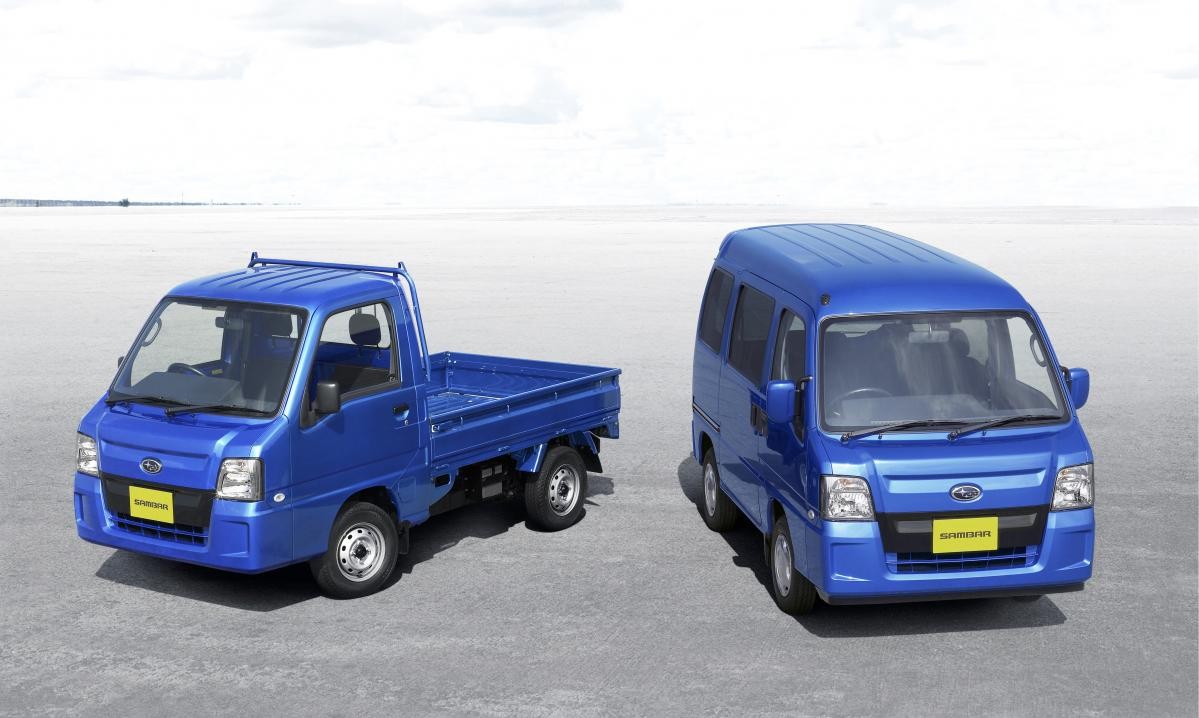
スバル車、特にサンバー(TV/TW系)や少し前のプレオ、ヴィヴィオなどのオーナーからよく聞く悲鳴です。
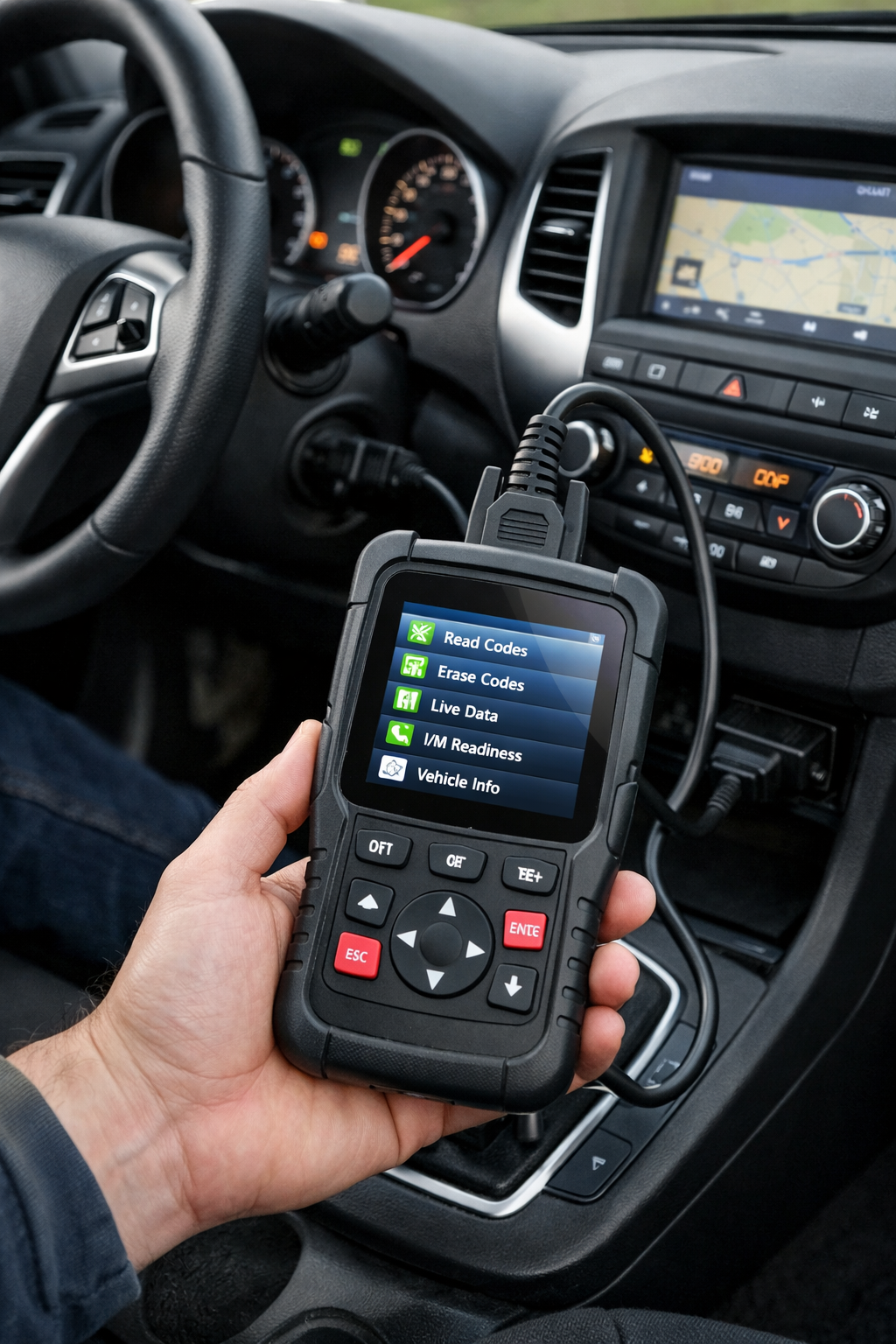
コネクタの形は世界共通の「OBD2(台形16ピン)」なのに、なぜスバルだけ汎用品が使えないことが多いのでしょうか?
今回は、スバル独自の通信規格の罠と、サンバーで確実に使えるメーター、そしてPCを使ったマニアックな診断方法について解説します。
1. なぜスバル(サンバー)のOBD2は特殊なのか?
ここが違う!
コネクタは同じでも「言語」が違います。
一般的な車(トヨタや日産、最近の軽自動車)は、世界共通の規格(ISO-CANなど)で通信しています。しかし、2000年代のスバル車、特に軽自動車規格の車両は「SSM(Subaru Select Monitor)」という独自の通信プロトコルを採用しています。
- 一般的なOBD2計器:共通語(CAN通信など)で話しかける
- サンバー(TV/TW):独自の方言(SSM / K-Line)しか喋らない
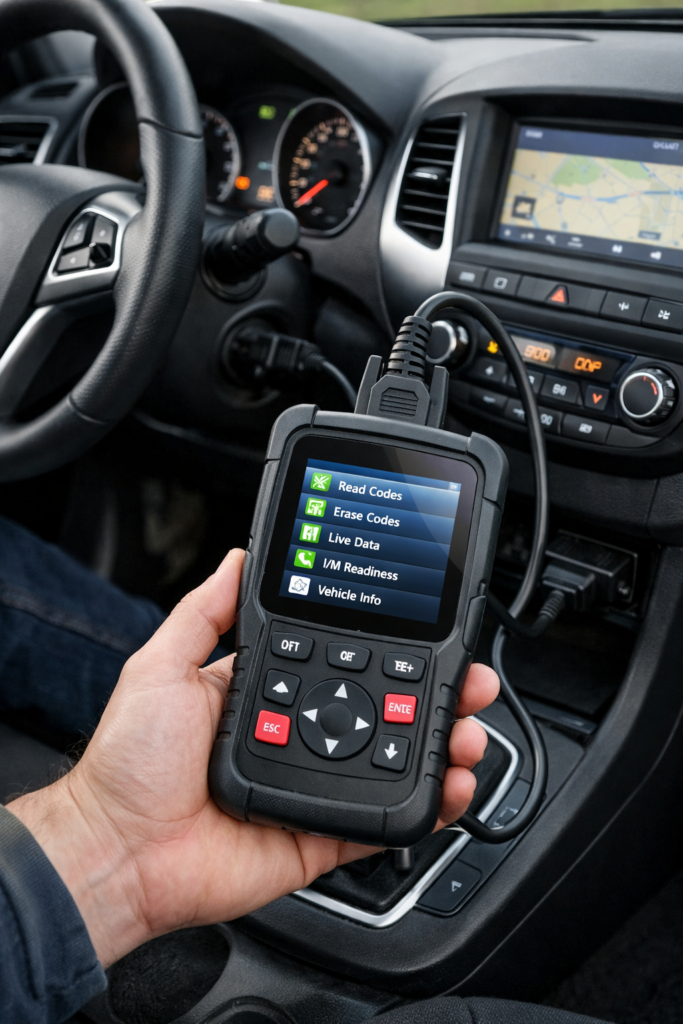
このため、カー用品店で売っている最新のOBD2マルチメーターを挿しても「通信エラー」になってしまうのです。
2. サンバーで確実に使える「追加メーター」の正解
では、タコメーターや水温計がないサンバーで情報を表示するにはどうすればいいのか?
高価な専用品を買う必要はありません。以下の組み合わせが「最強のコスパ」です。
スマホをメーターにする(予算:約2,000円~)
現在、サンバー乗りの間で定石となっているのがこの方法です。
【必須条件】ELM327アダプターの「V1.5」
AmazonやAliExpressで売られている「ELM327 Bluetooth/Wi-Fiアダプター」を使用します。
ただし、必ずバージョン「1.5」を選んでください。
現在主流の「V2.1」は古い通信回路が省かれているため、サンバーでは100%動きません。おすすめアプリ:Torque Pro(Android) サンバーの旧式プロトコルにも対応しており、水温、回転数、吸気圧(ブースト)などが表示可能です。
3. 【上級編】PCでディーラー並みの診断をする方法
「チェックランプが点いた原因を知りたい」「ATの変速ショックの原因を探りたい」
そんなDIY派におすすめなのが、PCを使った診断です。
| 必要なもの | 詳細 |
| PC | WindowsノートPC(Win10/11動作可) |
| ケーブル | VAG-COM 409.1 (KKL) ケーブル ※本来はVW/Audi用ですが、Amazonで1,000円程度で買える青いケーブルが流用できます。 |
| ソフト | FreeSSM (無料) スバル専用の診断フリーソフトです。 |
FreeSSMでできること
- エラーコードの読み取り・消去:エンジンだけでなく、トランスミッションのエラーも読める場合があります。
- アクティブテスト:PC操作で「ラジエーターファンを回す」「各ソレノイドを動かす」といった強制駆動テストができ、故障箇所の特定に役立ちます。
まとめ:サンバーのOBD2は「V1.5」か「PC」で攻略せよ
スバル・サンバーは非常に頑丈で楽しい車ですが、電子制御の入り口(OBD2)には少し癖があります。
高い汎用メーターを買って失敗する前に、まずは手頃なELM327(V1.5)とスマホの組み合わせから試してみることを強くおすすめします。
自分の車の状態が数字で見えると、メンテナンスがより一層楽しくなりますよ!
Attention! Subaru OBDII: Similar but Different from Others
“I bought an OBD2 meter online, but it won’t connect…”
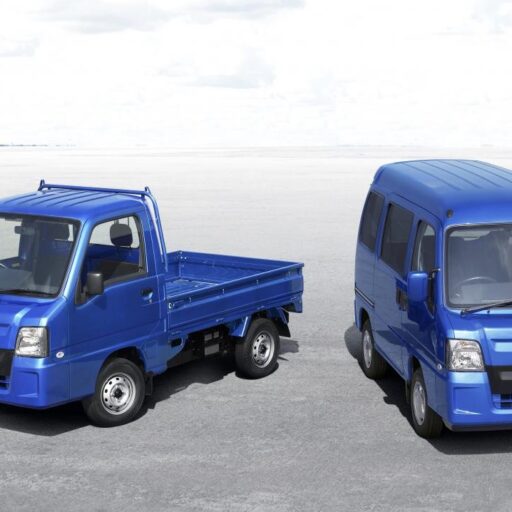
This is a common cry for help heard from owners of older Subaru vehicles, especially the Sambar (TV/TW series), Pleo, and Vivio.
The connector shape is the global standard “OBD2 (16-pin trapezoid),” so why do generic products often fail with Subaru?
In this article, I will explain the “trap” of Subaru’s unique communication protocol, the specific meters that actually work for the Sambar, and how to perform geeky diagnostics using a PC.
1. Why is Subaru (Sambar) OBD2 so Unique?
The Key Difference
The connector is the same, but the “Language” is different.
Most modern cars (Toyota, Nissan, and newer Kei cars) communicate using global standards like ISO-CAN. However, Subaru cars from the 2000s—especially Kei cars—use a proprietary communication protocol called “SSM (Subaru Select Monitor).”
- Generic OBD2 Meters: Speak the common language (CAN, etc.).
- Sambar (TV/TW): Only speaks a unique dialect (SSM / K-Line).
This is why plugging in the latest OBD2 multi-meter from an auto parts store results in a “Communication Error.”
2. The Correct “Add-on Meter” for Sambar
Since the Sambar lacks a tachometer or water temperature gauge, how can you display this data?
You don’t need expensive specialized equipment. The following combination is the “Best Value for Money.”
Use Your Smartphone as a Meter (Budget: Approx. ~20)
This is currently the standard method among Sambar owners.
【MUST-HAVE】 ELM327 Adapter “V1.5”
Use an “ELM327 Bluetooth/Wi-Fi Adapter” found on Amazon or AliExpress.
However, you MUST choose version “1.5”.
The currently common “V2.1” adapters have removed the older communication protocols and will NOT work with the Sambar.Recommended App: Torque Pro (Android) It supports Subaru’s older protocols and can display Water Temp, RPM, and Boost Pressure (Manifold Pressure).
3. [Advanced] Dealer-Level Diagnostics on PC
“I want to know why the Check Engine Light is on.” “I want to investigate the cause of transmission shift shock.”
For such DIY enthusiasts, PC-based diagnosis is highly recommended.
| Item | Details |
| PC | Windows Laptop (Win 10/11 compatible) |
| Cable | VAG-COM 409.1 (KKL) Cable ※Originally for VW/Audi, but cheap blue cables ($10-$20) found online work perfectly. |
| Software | FreeSSM (Free) Open-source diagnostic software dedicated to Subaru. |
What You Can Do with FreeSSM
- Read & Clear Error Codes: You can read codes not just for the Engine, but sometimes for the Transmission as well.
- Active Tests: You can force components to operate via PC (e.g., turning on the radiator fan, testing solenoids) to isolate faults.
Summary: Conquer Sambar OBD2 with “V1.5” or “PC”
The Subaru Sambar is a tough and fun vehicle, but its electronic gateway (OBD2) is a bit quirky.
Before wasting money on expensive generic meters that fail, I strongly recommend trying the affordable combination of an ELM327 (V1.5) and a Smartphone first.
Seeing your car’s vitals in real-time makes maintenance and driving so much more enjoyable!
コメント